Raising kids today means managing more than homework and bedtime. Phones, tablets, game consoles, smart TVs and laptops all rely on the same home connection—and when that connection is unrestricted, kids can reach content they’re not ready for and stay online far longer than planned. Parental controls are not about hovering; they’re about creating boundaries that make sense for your family.
Why Parental Controls Matter
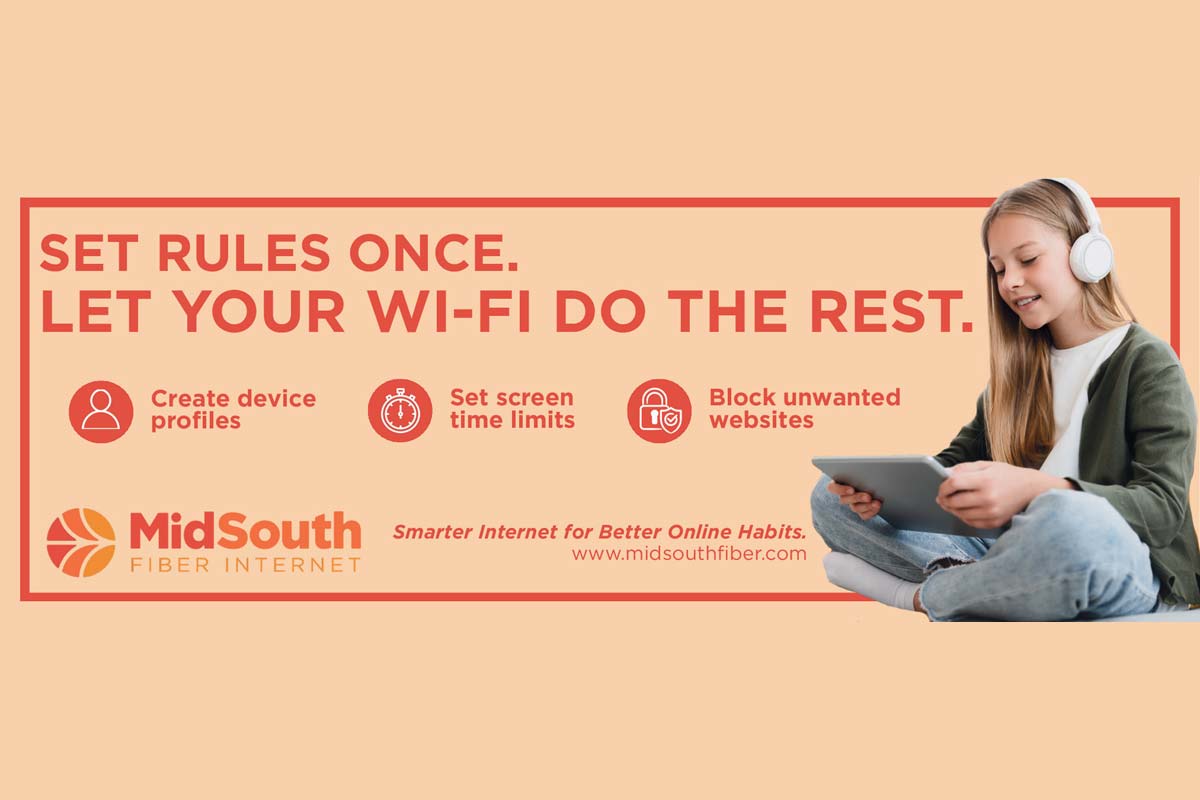
From endless group chats to attention-grabbing apps, kids are navigating platforms designed to keep them engaged, not necessarily protected. Parental tools through the MidSouth Fiber app allow parents to set online controls once, enabling the network to enforce them automatically in the background. When limits begin at the router level, they apply across connected devices, reducing the need for constant management.
Filtering Content Across Devices
Content filters allow parents to restrict access to categories like adult content or gambling, while also enabling specific sites to be approved or blocked. When these settings are applied through the MidSouth GigaSpire router, devices on the network follow the same rules—whether it’s a phone, tablet or game system.
Filters are not always a one-time solution. Parents should expect to adjust settings as kids grow and needs change. The goal is not to block everything. It’s balance—to reduce exposure to clearly inappropriate material while keeping schoolwork and everyday use accessible.
Using Schedules to Create Routine
One of the most effective tools for busy households is screen-time limits. Parents can define when devices can connect and when the connection pauses, making it easier to manage bedtime, school mornings and homework hours.
This approach can reduce friction at home. Instead of repeated warnings, the internet simply shuts off at the agreed time. Kids still have access to offline tools like notes and previously downloaded assignments, but distractions disappear. Consistent schedules also remove guesswork—everyone understands the rules and expectations stay clear.
Setting Rules by Device
Not every device—or user—needs the same rules. A school laptop may need longer access than a gaming console. Younger children’s tablets likely need tighter limits than a teenager’s phone. Device-specific rules allow families to group and manage access based on how each device is used.
These rules work best when paired with open and honest conversations. Kids should understand why limits exist and how they will change over time.
Tools Support, Not Replace
Parental controls do not replace trust or communication, and they won’t catch everything. What these tools do provide is structure at home. They support healthier habits, reduce exposure and create a safer digital environment.
Sign up for MidSouth Fiber to put smarter controls in place and address common online safety concerns with tools designed for families.